
Resume builder for people and for ATS software
The resume builder that gets you read
Write or import, pick one of 80 original templates, tailor to the posting with suggestions built only from your facts, and download a PDF that looks exactly like the preview.
- No sign-up to start
- PDF identical to the preview
- English and Turkish
- Cancel in two clicks
A first draft in minutes
Start from a profession example or import your PDF or DOCX; sections and phrasing are guided.
No invented facts
Suggestions rewrite your own content. Missing numbers become placeholders you fill in — never guesses.
ATS templates and a readable check
Ten single-column templates, Word export and a check that shows the source of every finding.
A price you can see
7 days for $2.95, then $29 a month. Cancel in two clicks; we email you before the first monthly charge.
Every step between a blank page and a sent application
Pick a stage to see the tools that belong to it. Each item is a feature you can open today — not a promise about hiring.
Editor with a true preview
Autosave, version history, colours and fonts; the preview paginates exactly like the PDF.
Import
Upload a PDF or DOCX; the structure is extracted and every field shows its confidence for review.
Phrase library
Profession-specific bullets and summaries you adapt — never pasted blindly.
Explainable job match
Attach a posting; see which required terms you have and which are missing, with the sentence they came from.
Improve and summary
Rewrite bullets and the summary from your own facts, with provenance on every suggestion.
Cover letter
A matching letter drafted from your resume and the posting; every paragraph stays yours to confirm.
Application tracker
Every application keeps the exact resume and cover letter version you sent, plus status, notes and reminders.
Share links
A read-only link with optional expiry and view counts — revoke it any time.
Interview practice
Questions grounded in your resume and the posting, written answers, structured feedback. No scores.
Exports
PDF in A4 or US Letter, Word for the ATS templates, TXT and a JSON backup.
Versions and restore
Every save is a version you can restore. The version you sent never changes behind your back.
Your data
Export or delete your account in one place; support only sees a document after you grant access.
80 templates, one engine
Switch designs without touching your content. Filter by category; the ten single-column ATS templates also export as editable Word files.
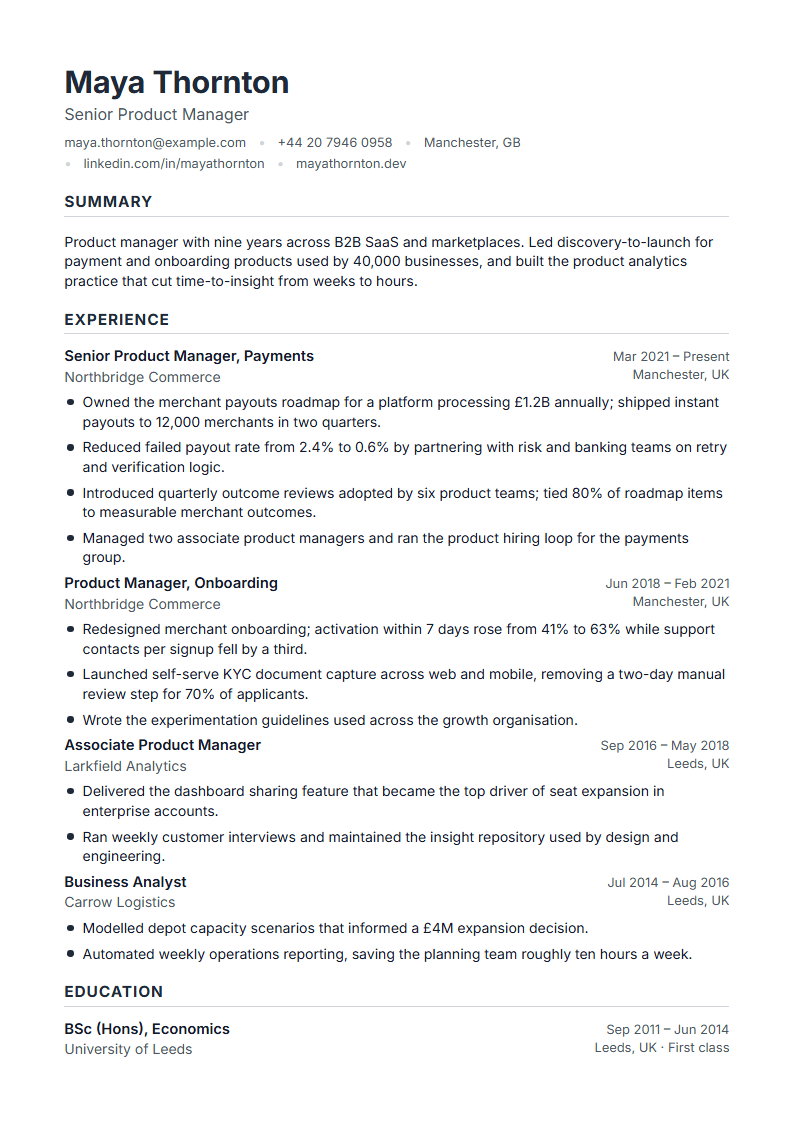 Use this templateOnyxATS · DOCX
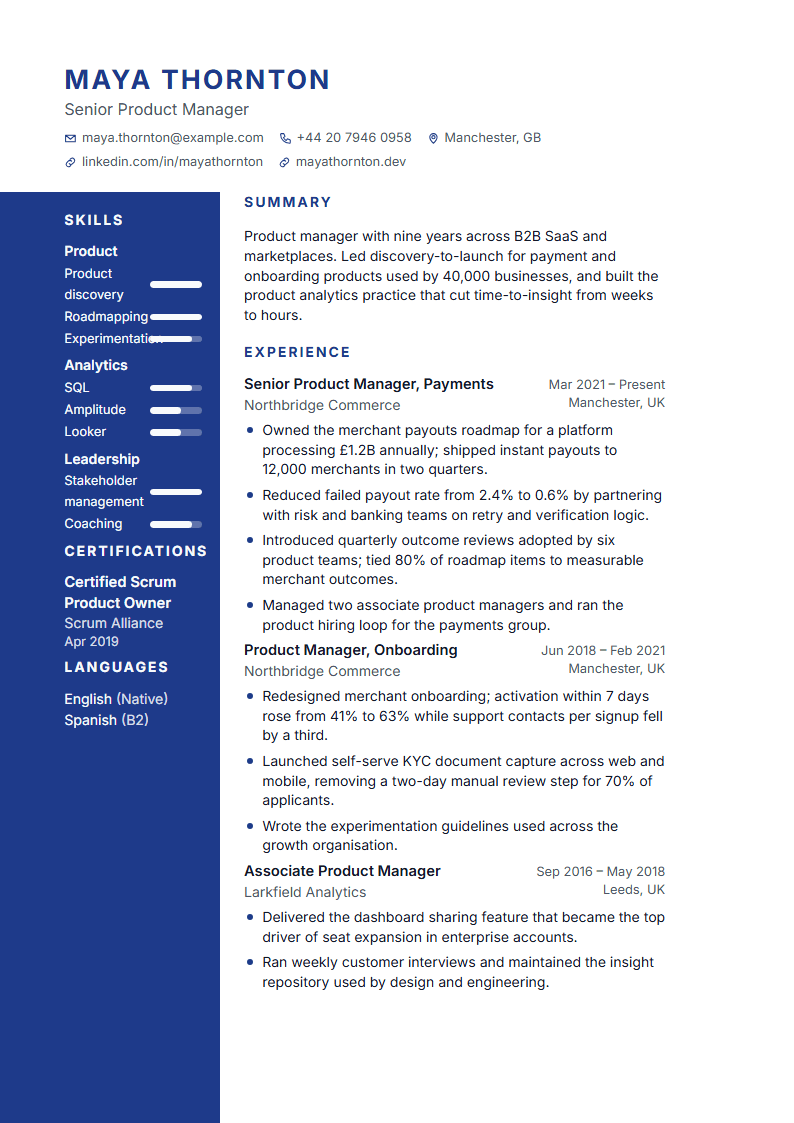 Use this templateSapphireProfessional
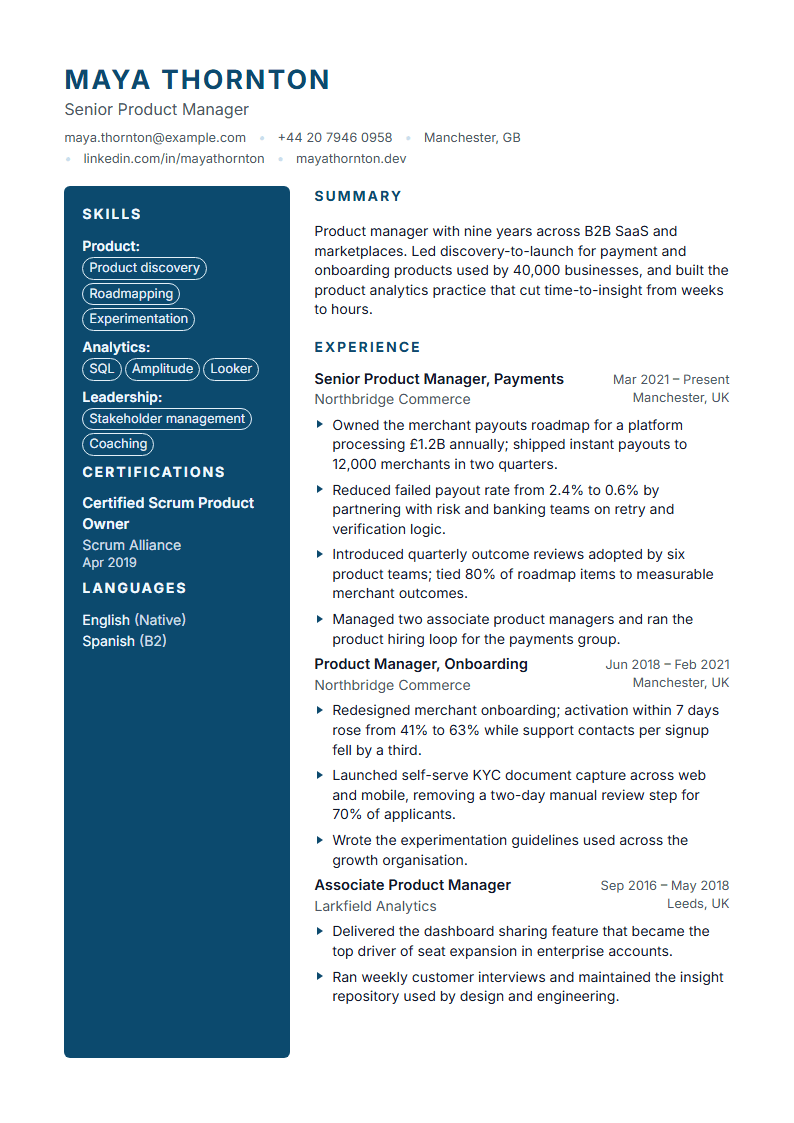 Use this templateCobaltModern
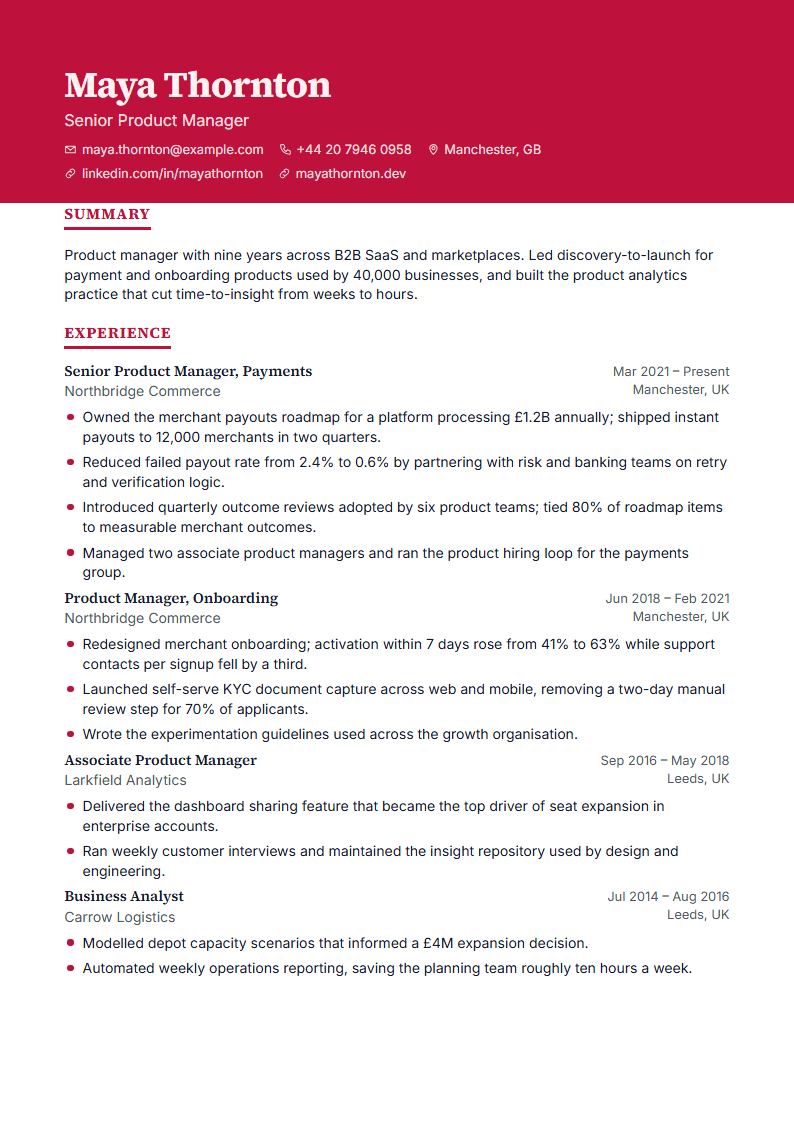 Use this templateRubyCreative
 Use this templateQuartzATS · DOCX
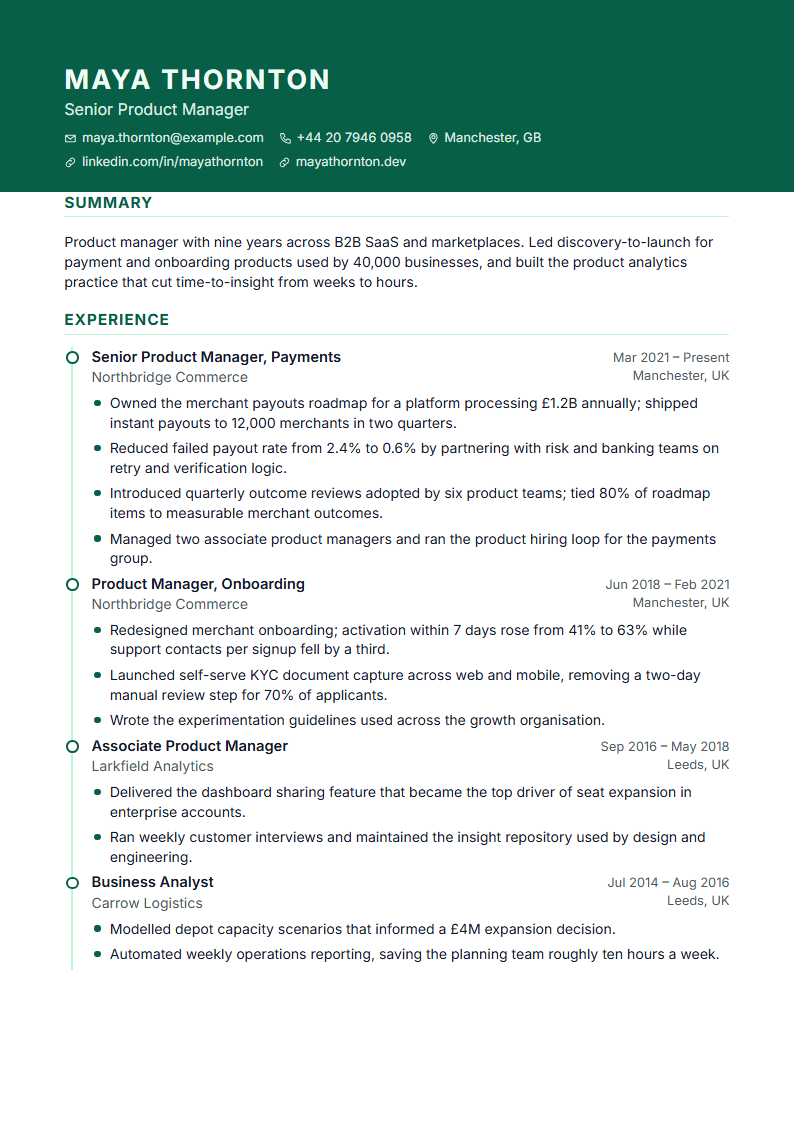 Use this templateBerylProfessional
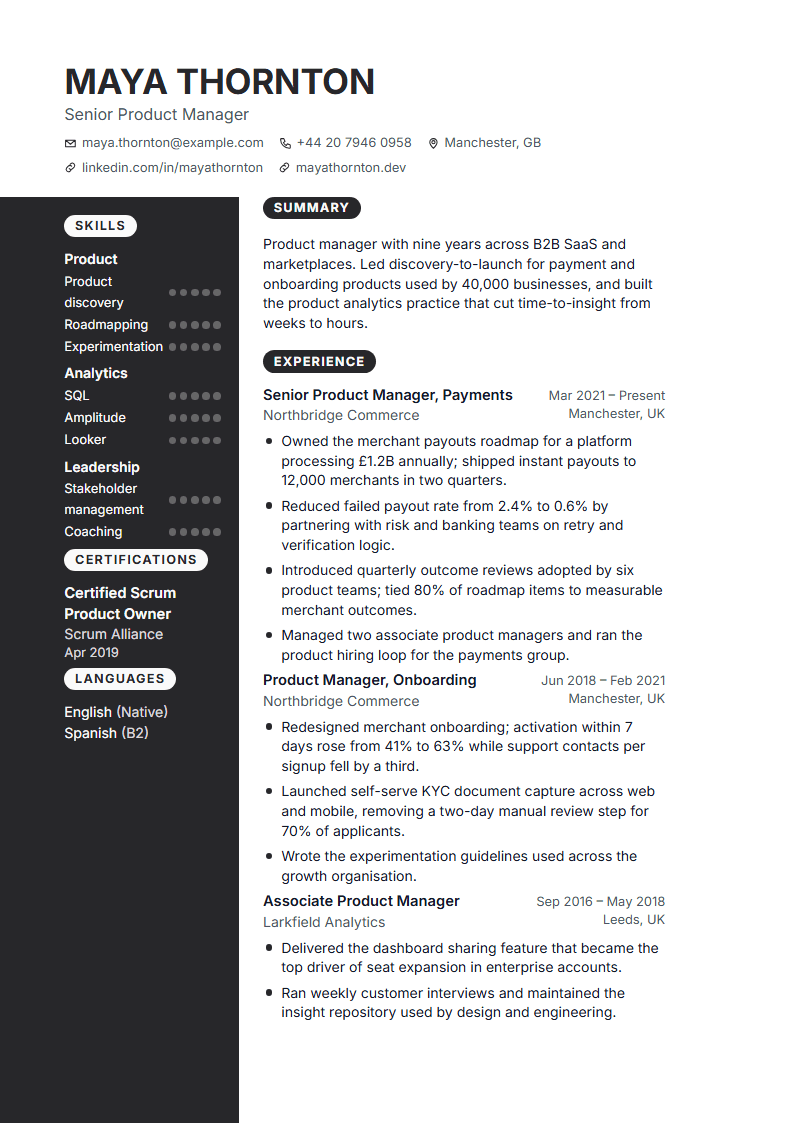 Use this templateCarbonModern
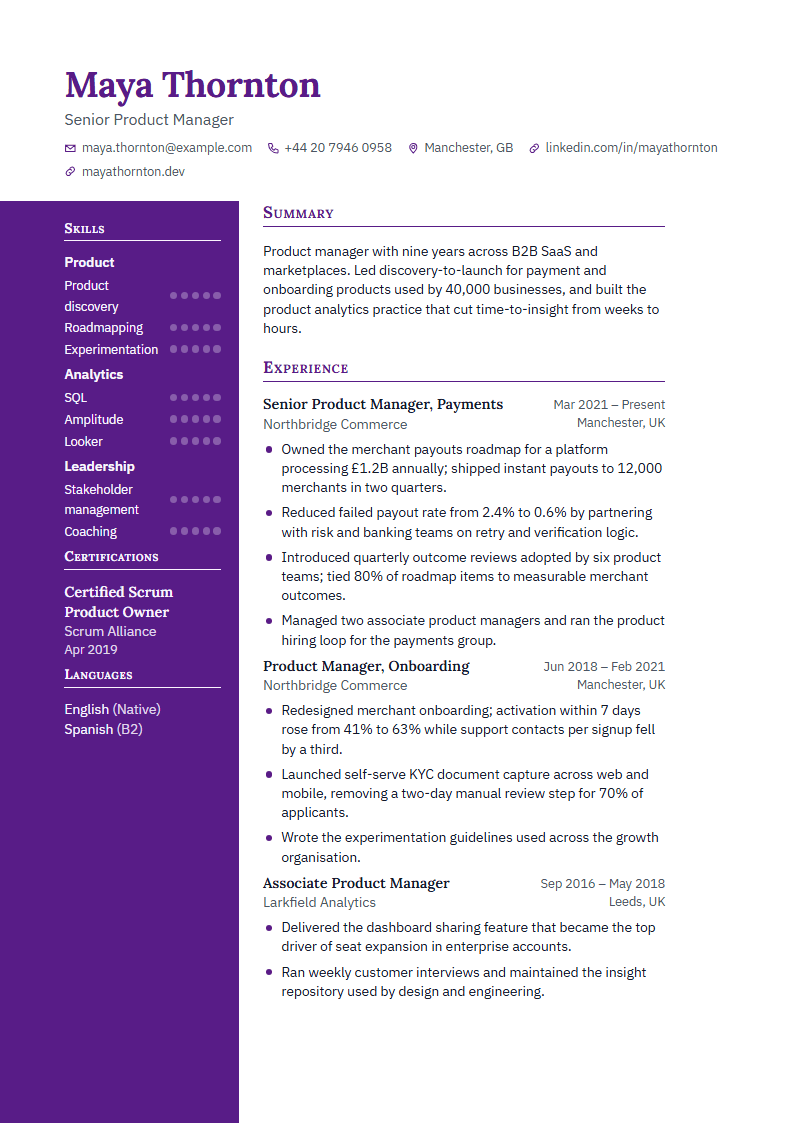 Use this templateAmethystCreative
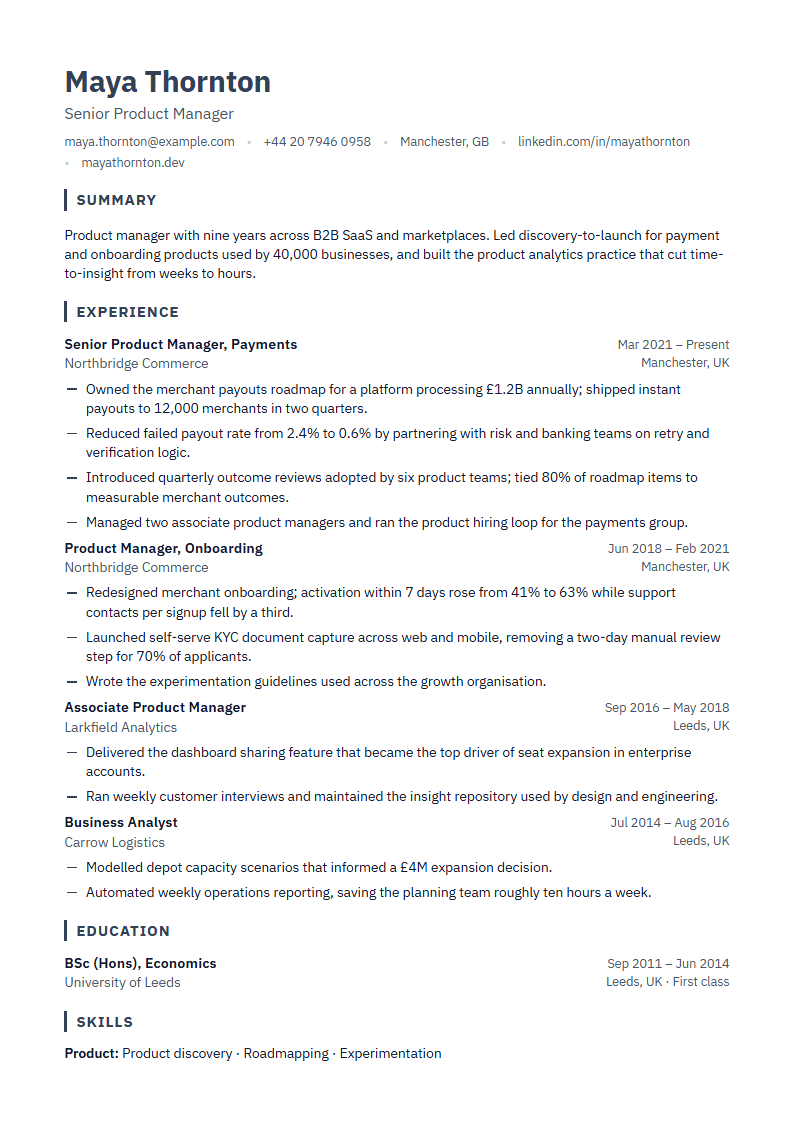 Use this templateSlateATS · DOCX
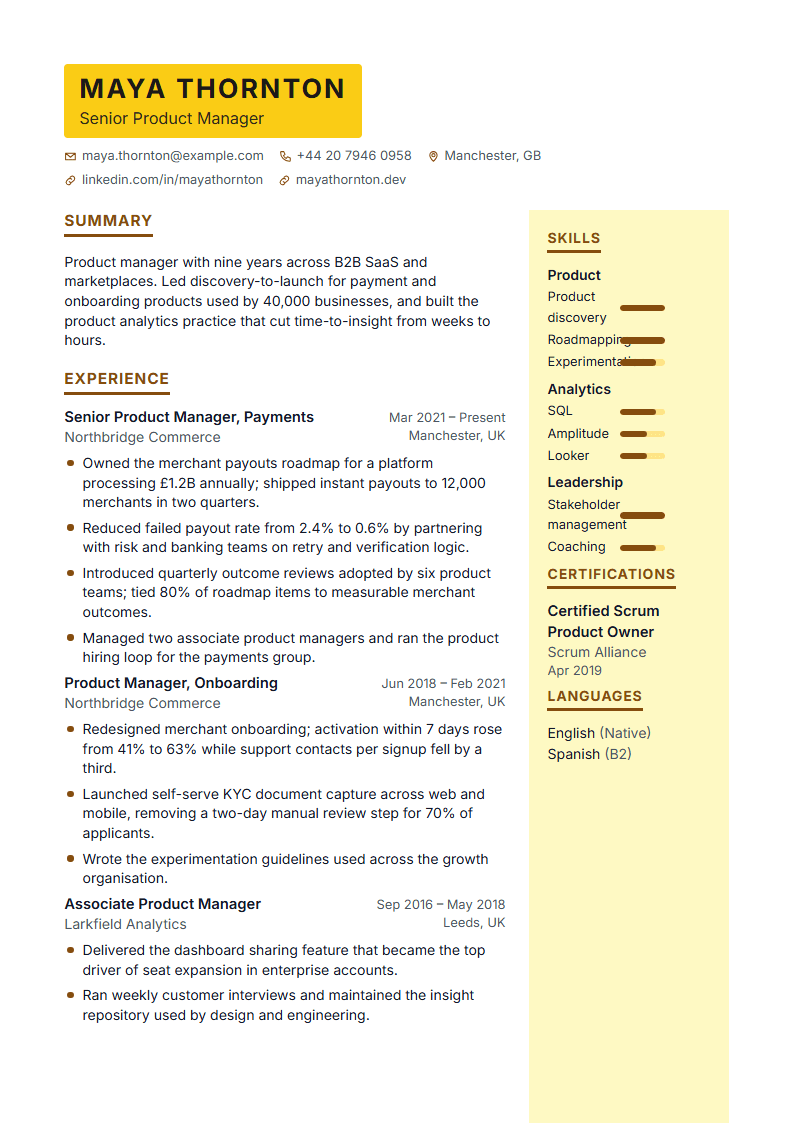 Use this templateCitrineProfessional
 Use this templatePlatinumModern
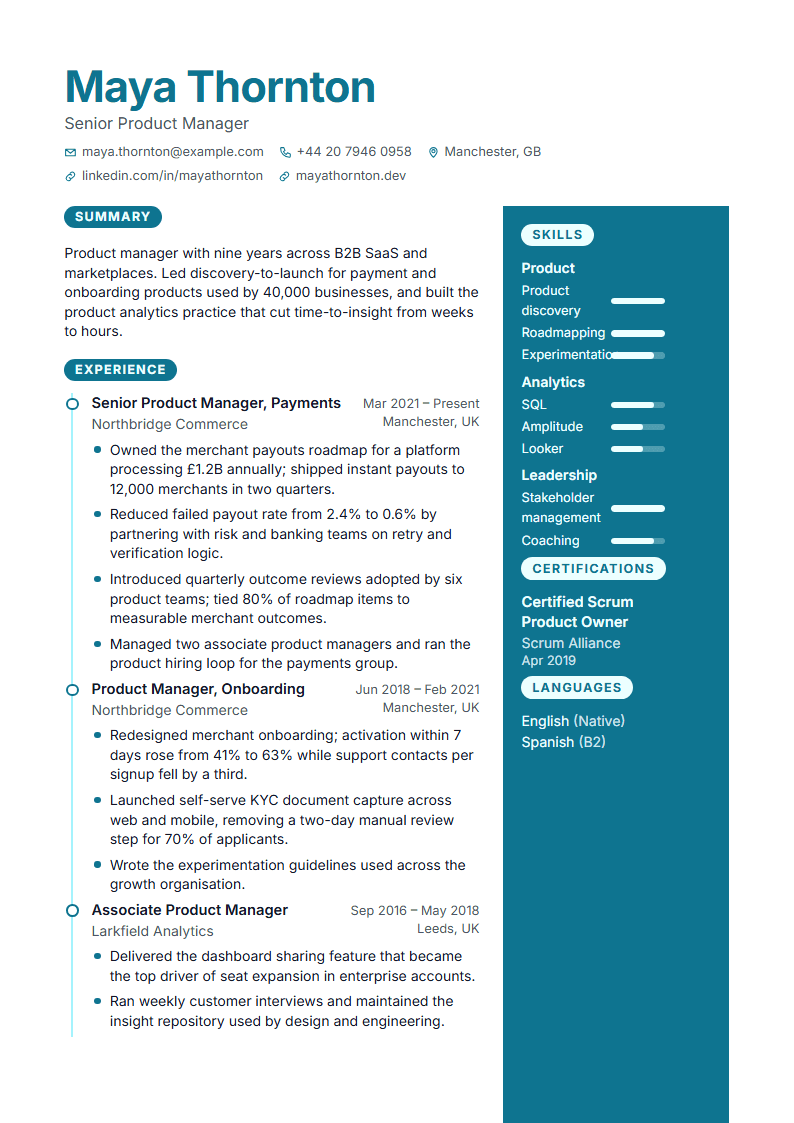 Use this templateTurquoiseCreative
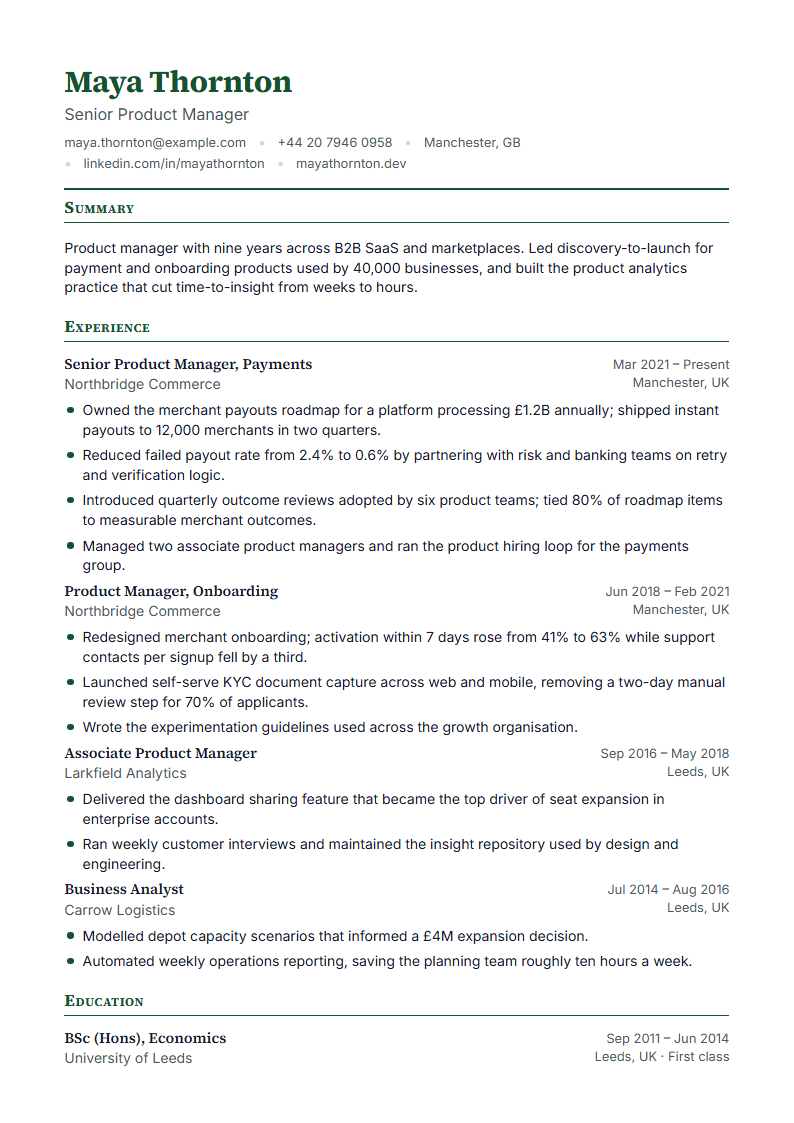 Use this templateJadeATS · DOCX
 Use this templateAquamarineProfessional
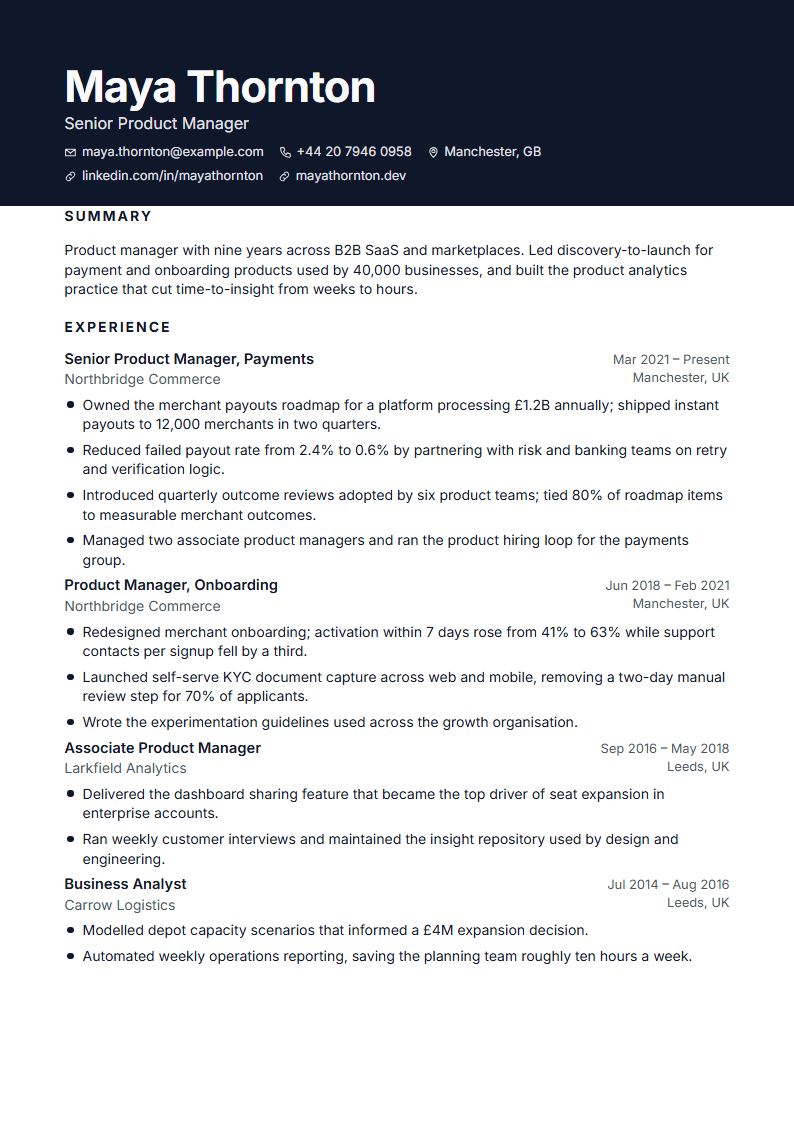 Use this templateTitaniumModern
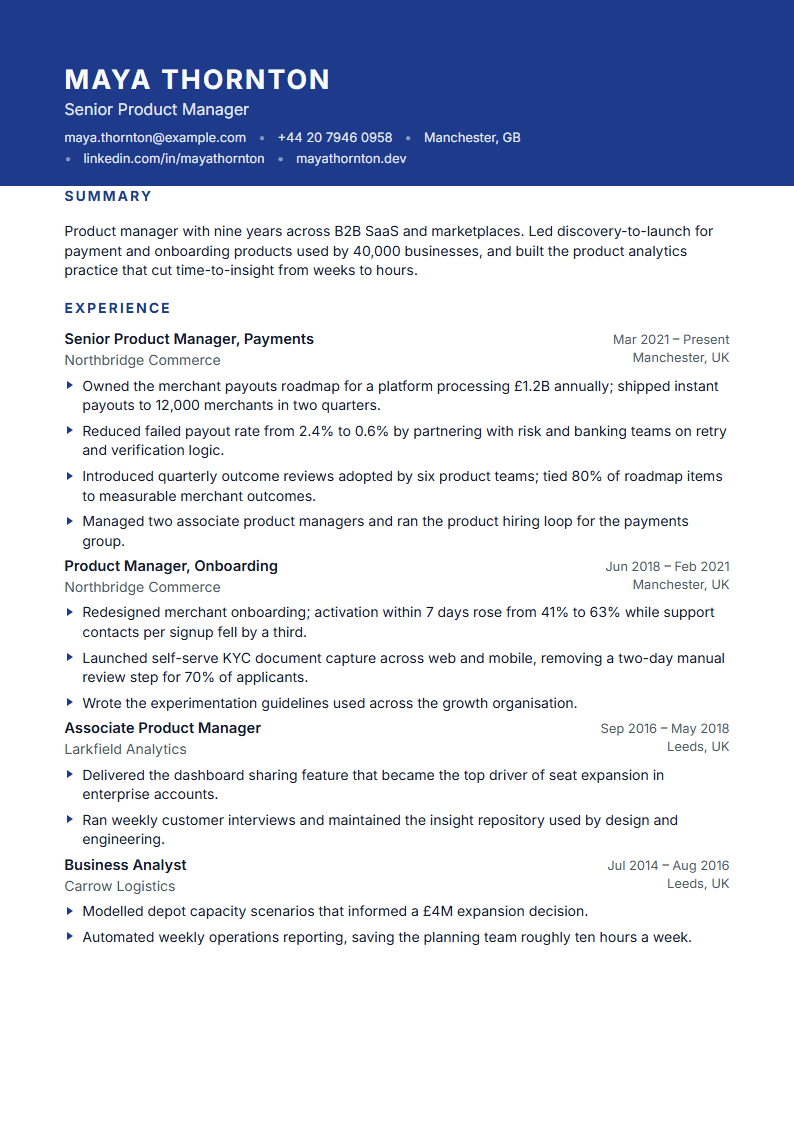 Use this templateIndigoCreative
 Use this templateAmberATS · DOCX
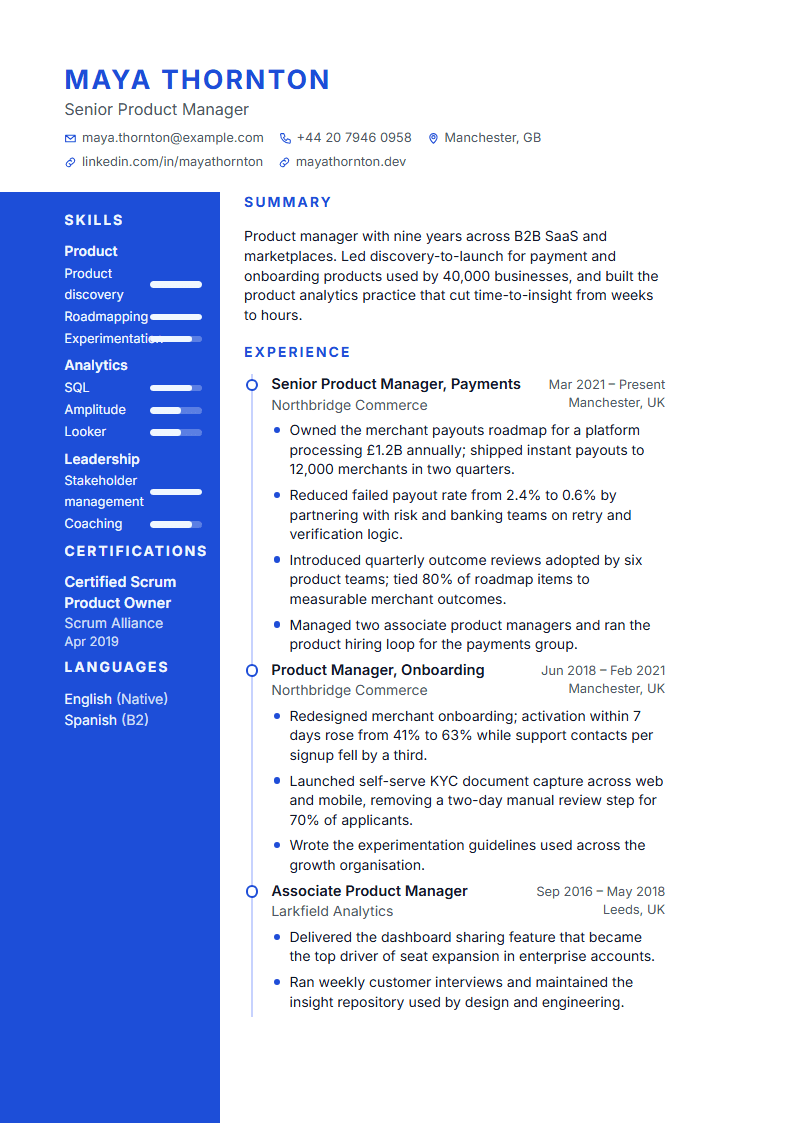 Use this templateLapisProfessional
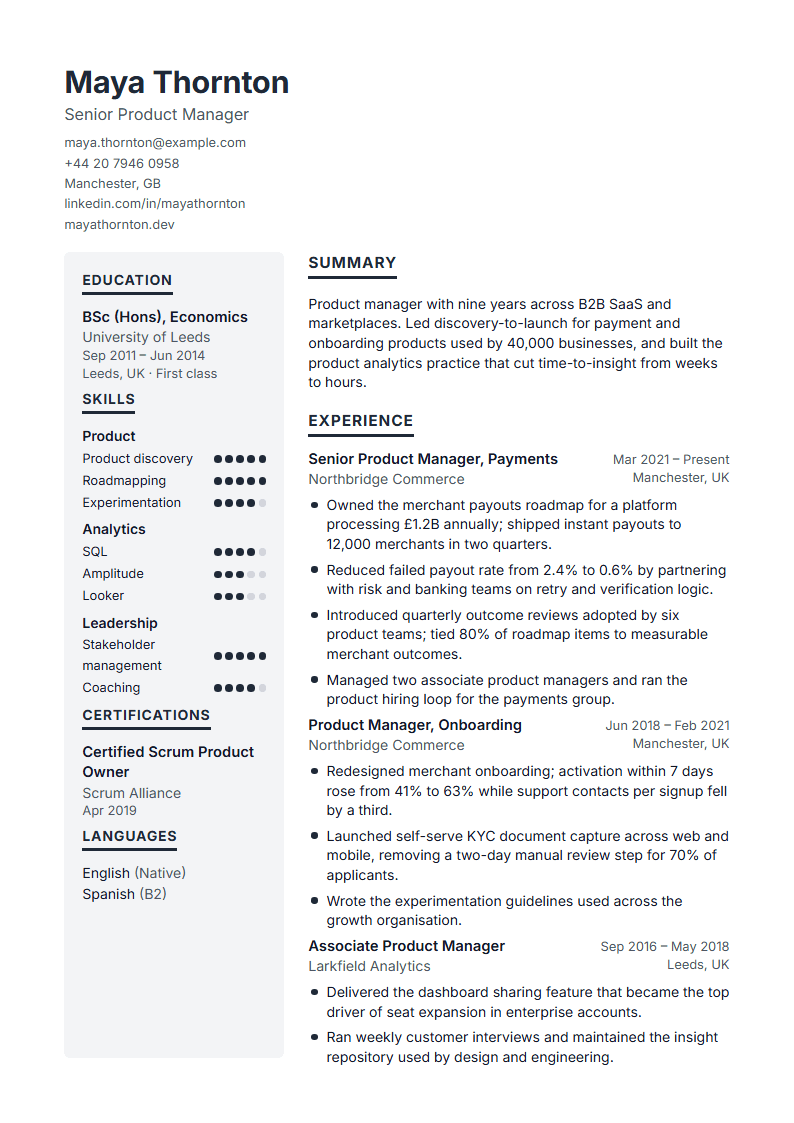 Use this templateSilverModern
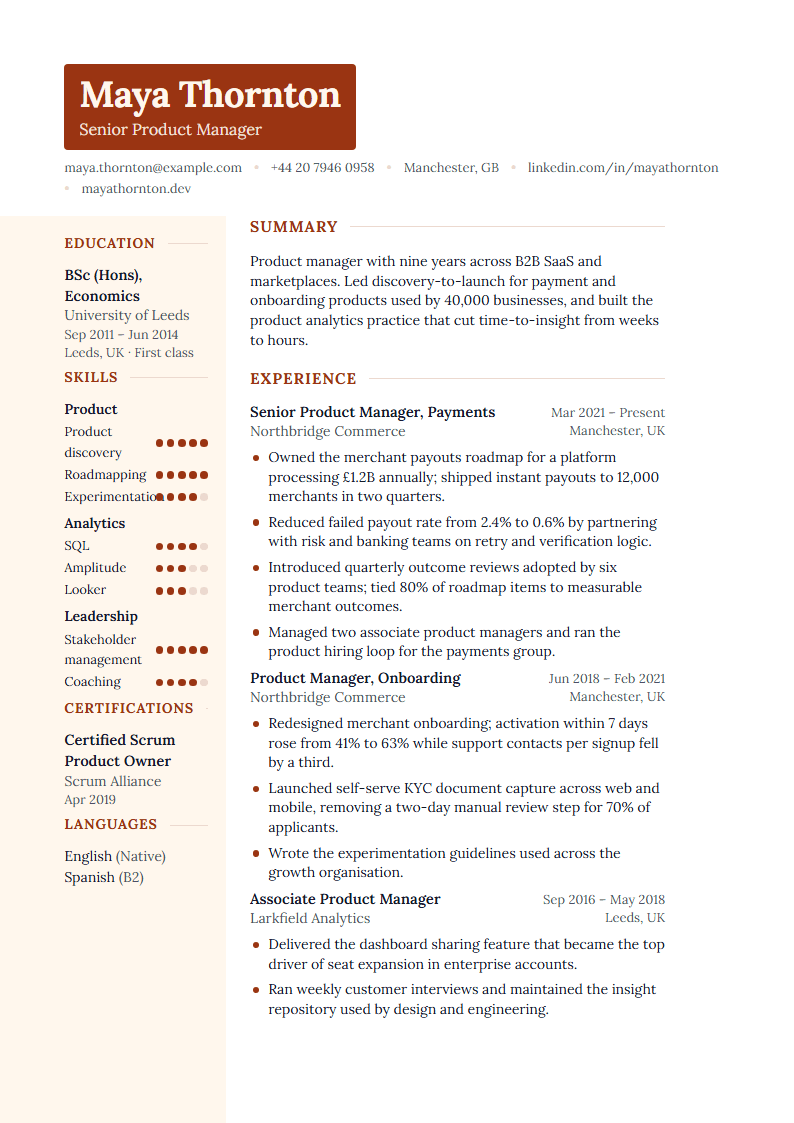 Use this templateJasperCreative
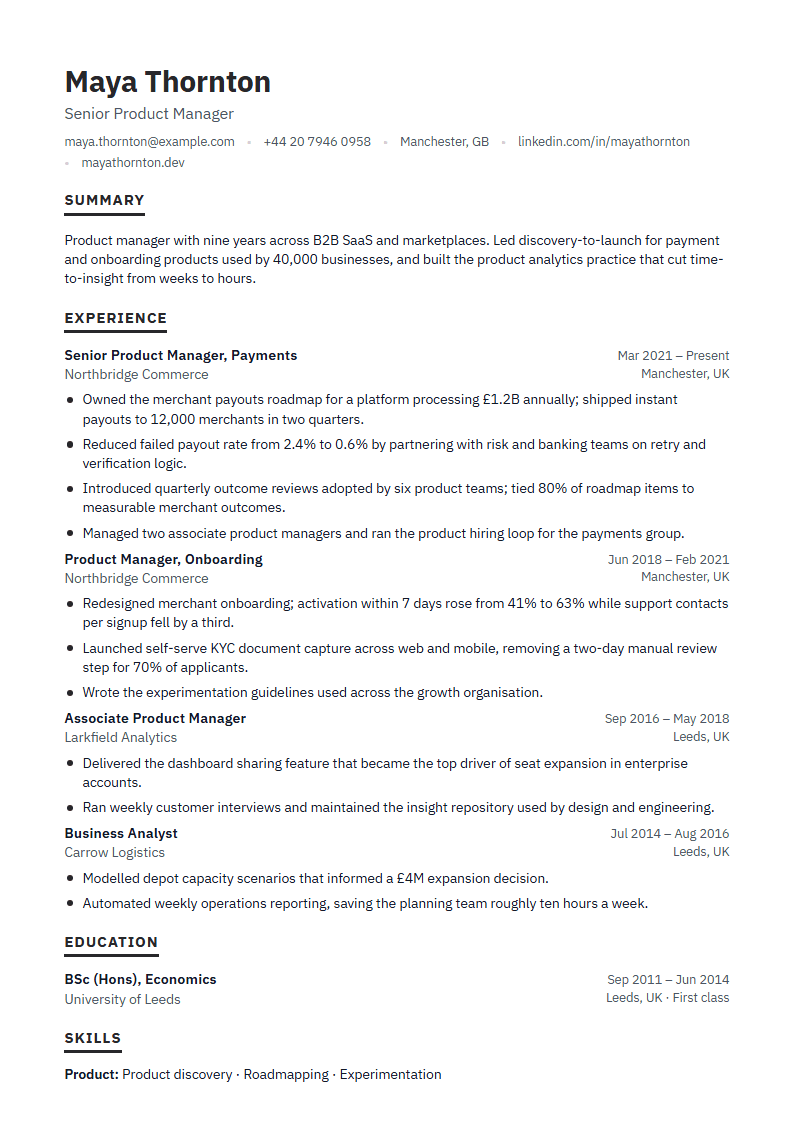 Use this templateChalkATS · DOCX
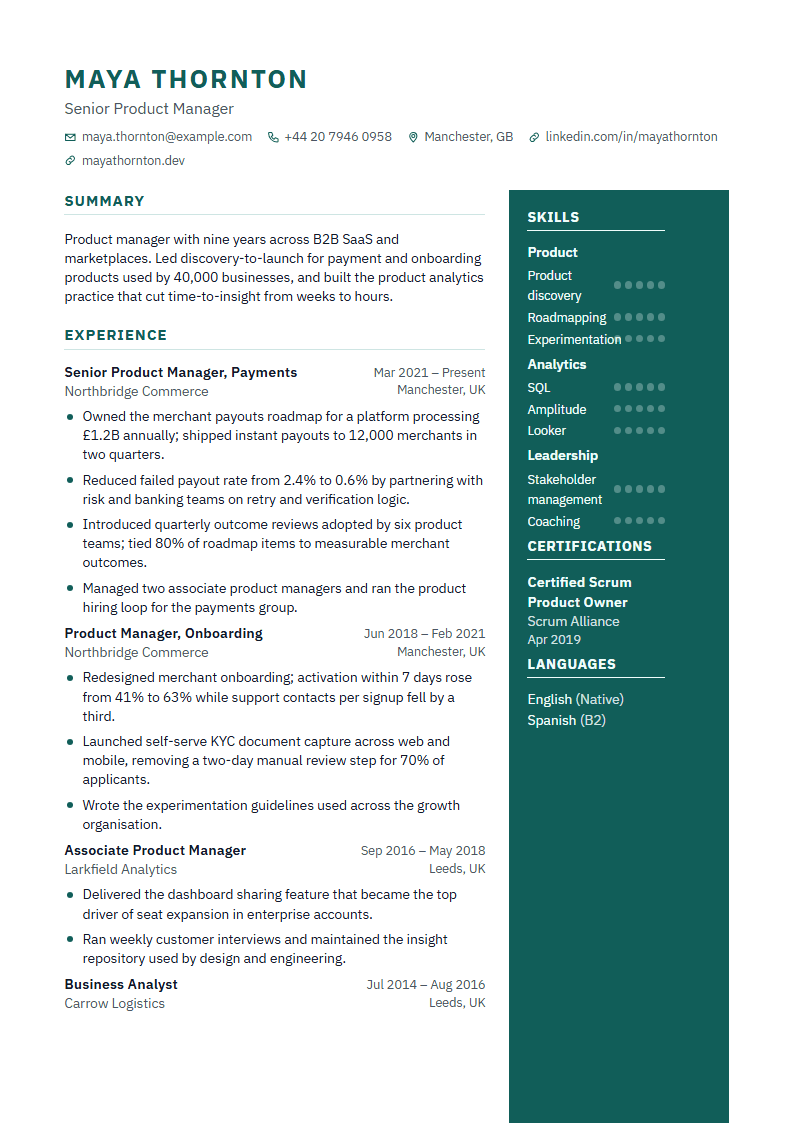 Use this templateTopazProfessional
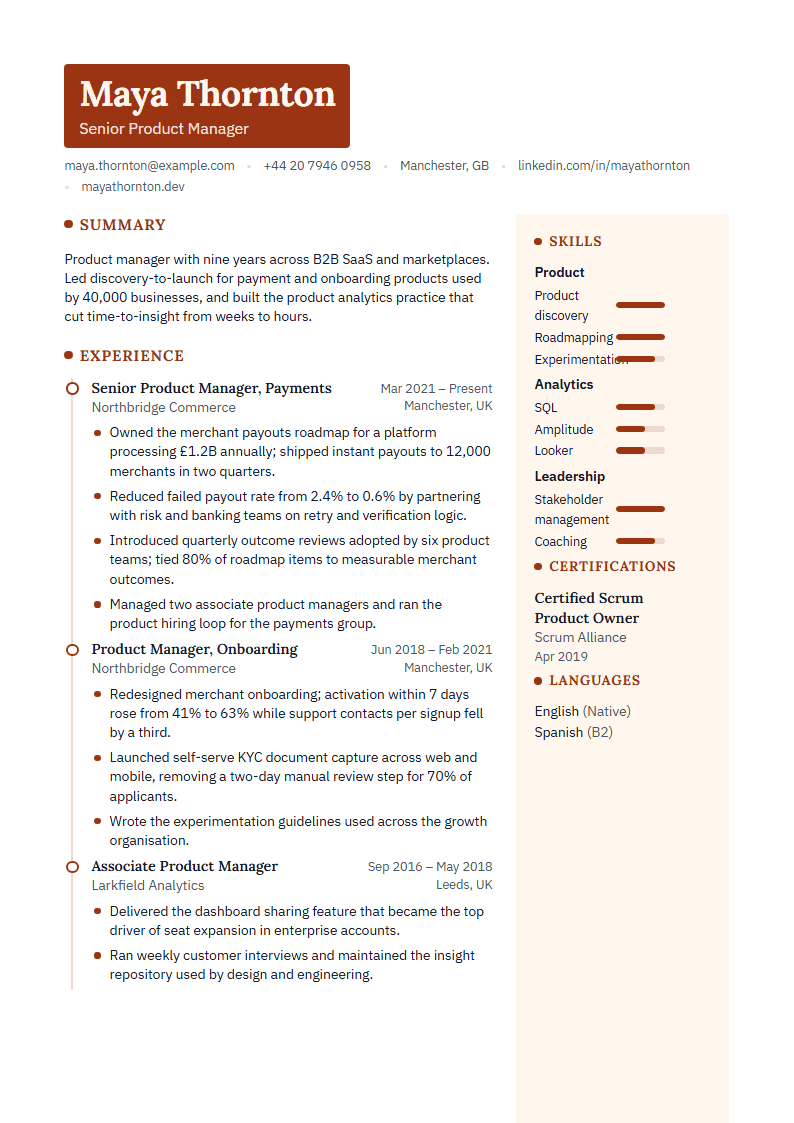 Use this templateBronzeModern
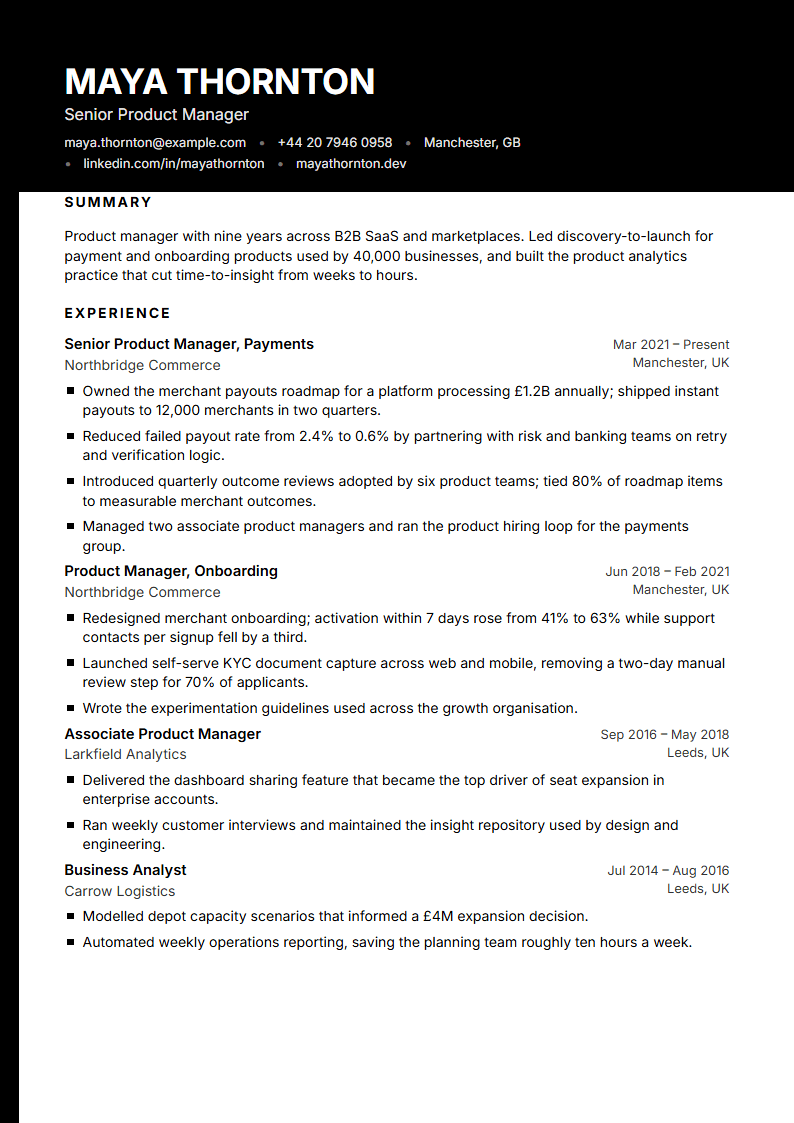 Use this templateObsidianCreative
Scroll for more →
Writing help
Help with the writing — without putting words in your mouth

Guided sections
Each section explains what belongs in it and in which order. Profession examples and the phrase library give you a starting point that you then make your own.
Create my resume
Suggestions from your own facts
Improve rewrites a bullet or your summary using what you wrote. Where a number is missing you get a placeholder, not an invented figure, and every suggestion can be reverted.
How AI assistance works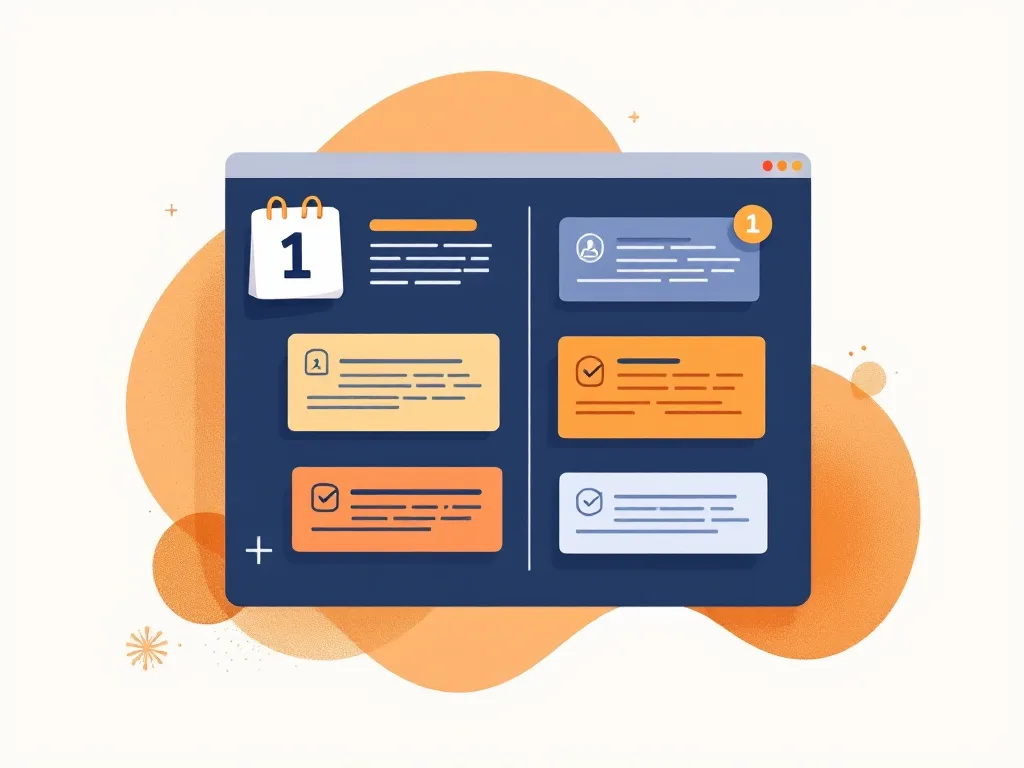
A cover letter from your resume and the posting
Paste the posting; the draft references the role and your real experience. Paragraphs stay marked as unconfirmed until you edit them.
Write my cover letter
Paste a job posting
The match view lists the required terms you already have and the ones you are missing, each with its source sentence. Copy and tailor keeps the sent version frozen.
How the ATS check worksResume examples by profession
Reviewed, fictional examples that show structure, wording and skills for a role. Open one, then replace every fact with your own.
- All
- Finance & accounting
- Administration
- Engineering
- Creative & media
- Customer service
- Data & AI
- Construction & trades
- Education
- Healthcare
- Product & design
- Human resources
- Science
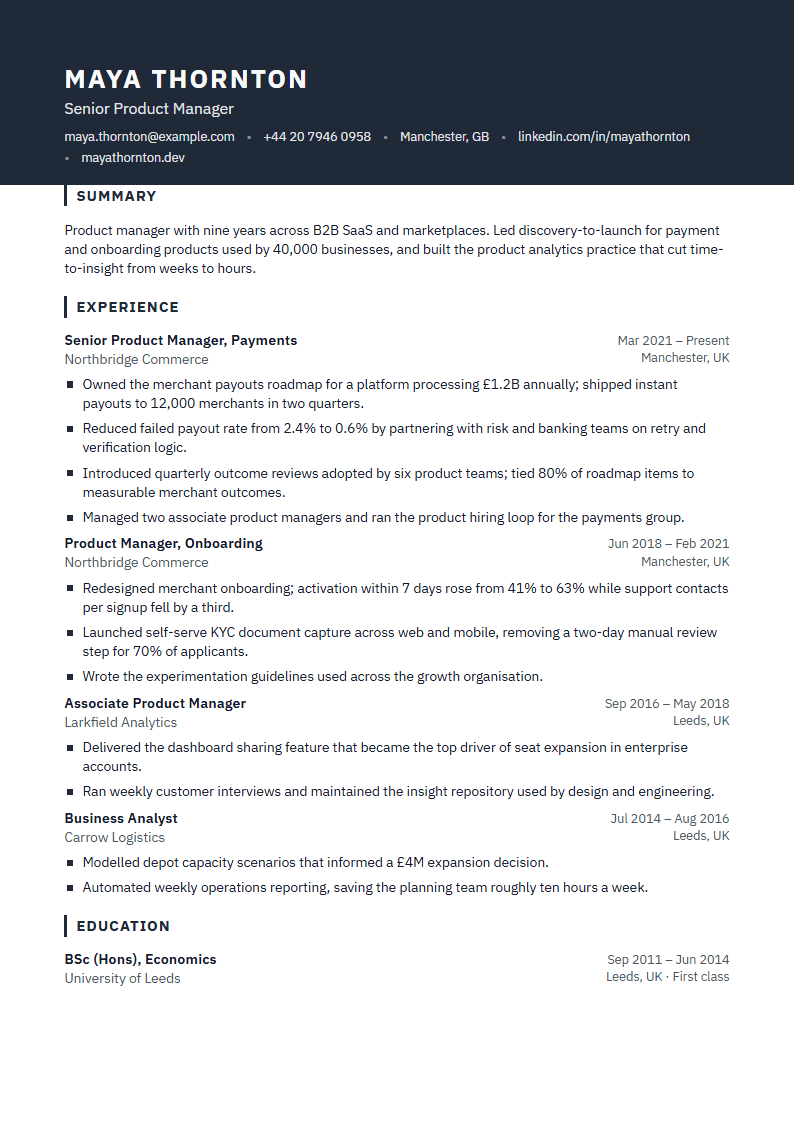 Accountant resume example
- Administrative Assistant resume example
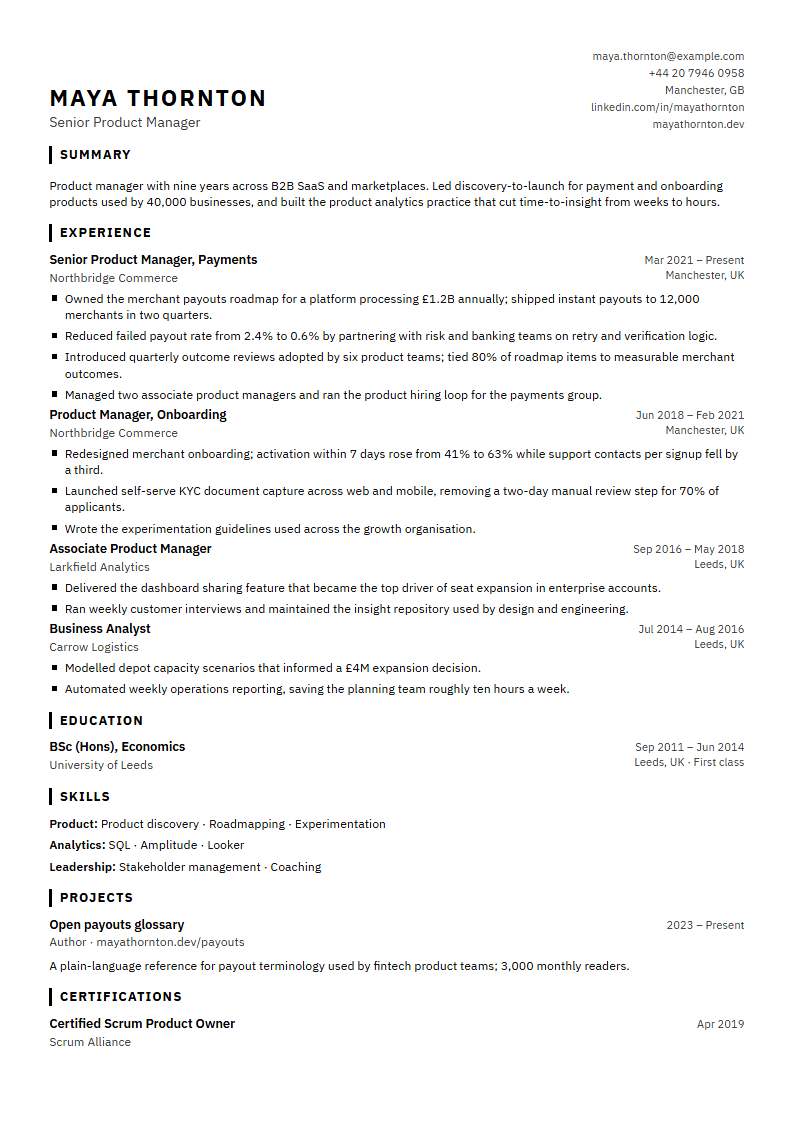 Civil Engineer resume example
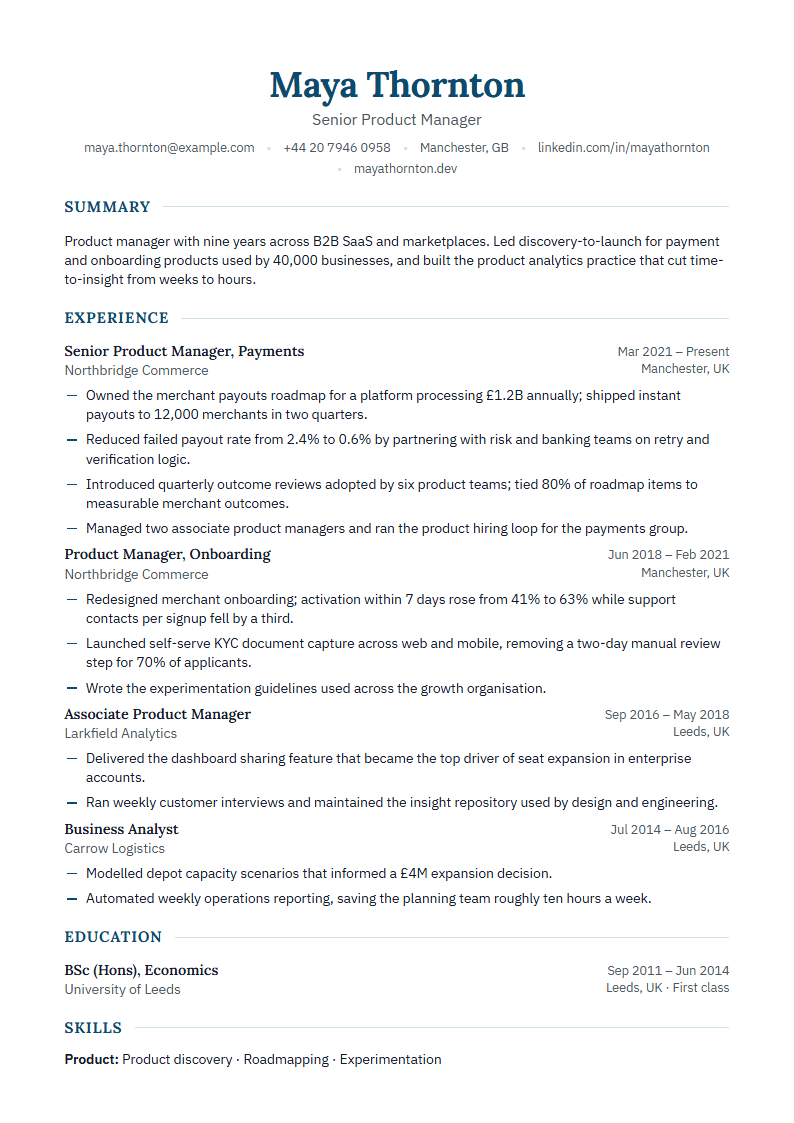 Copywriter resume example
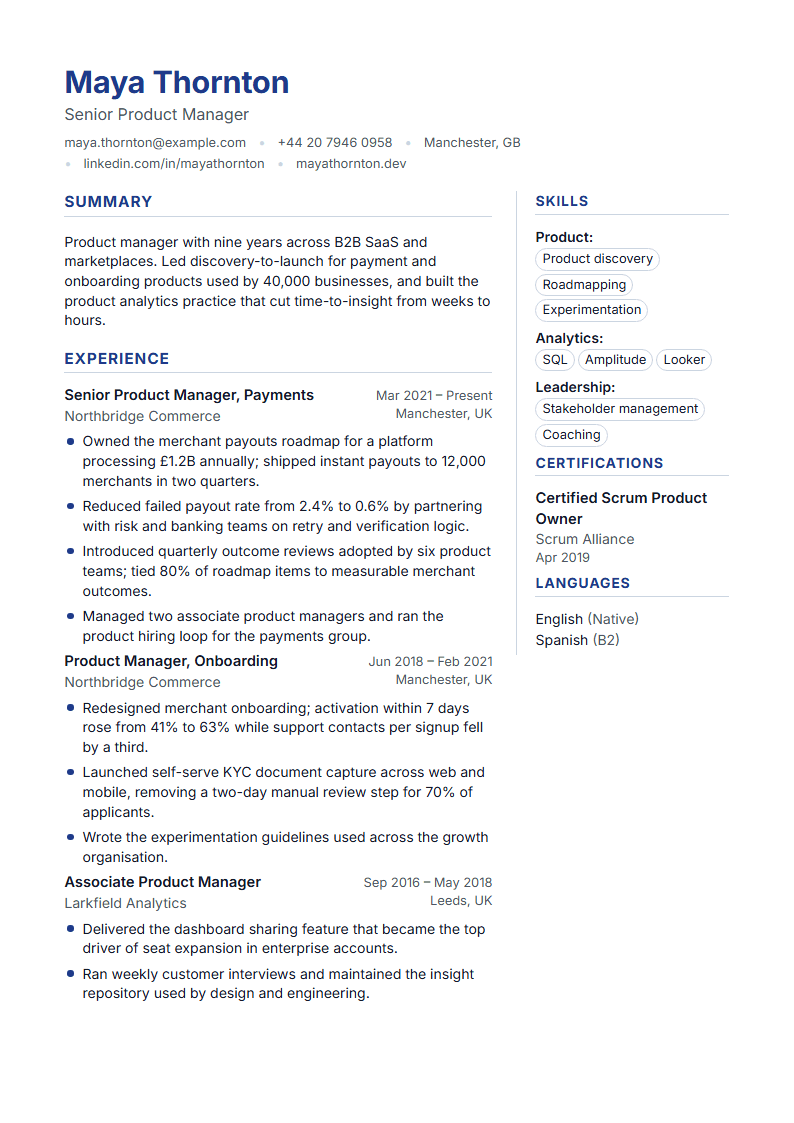 Customer Service Representative resume example
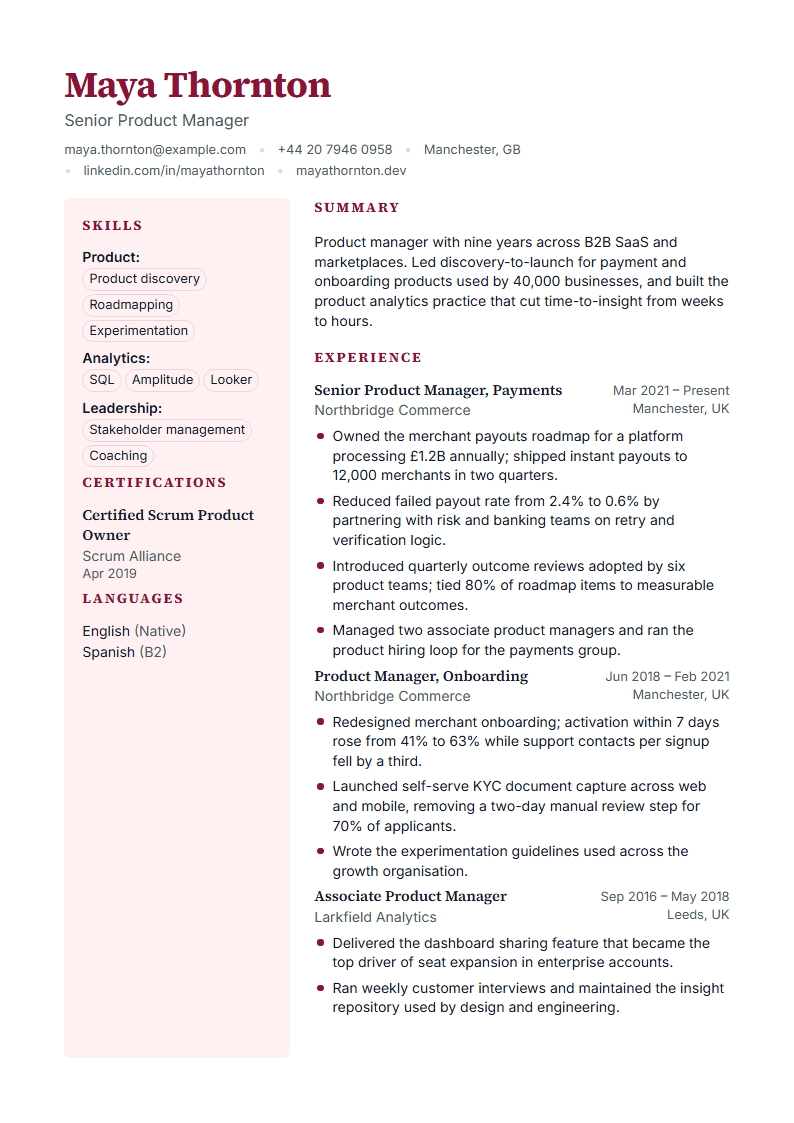 Data Analyst resume example
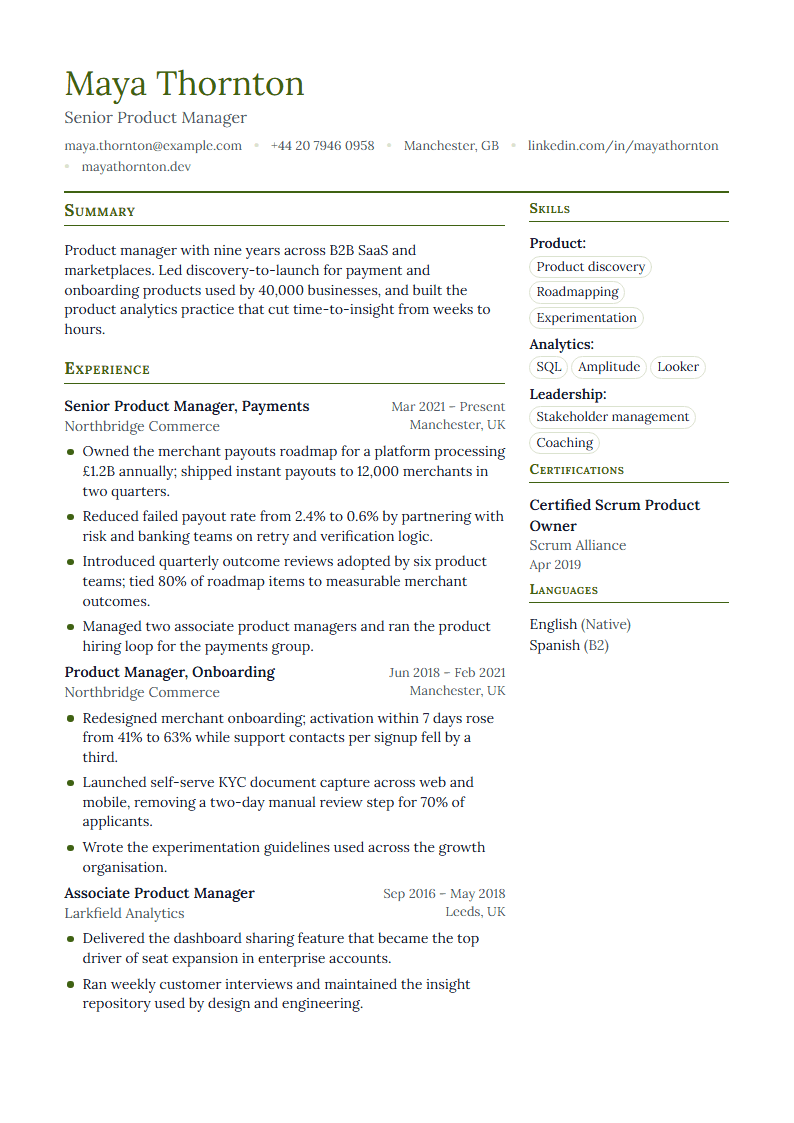 Electrician resume example
- English Teacher resume example
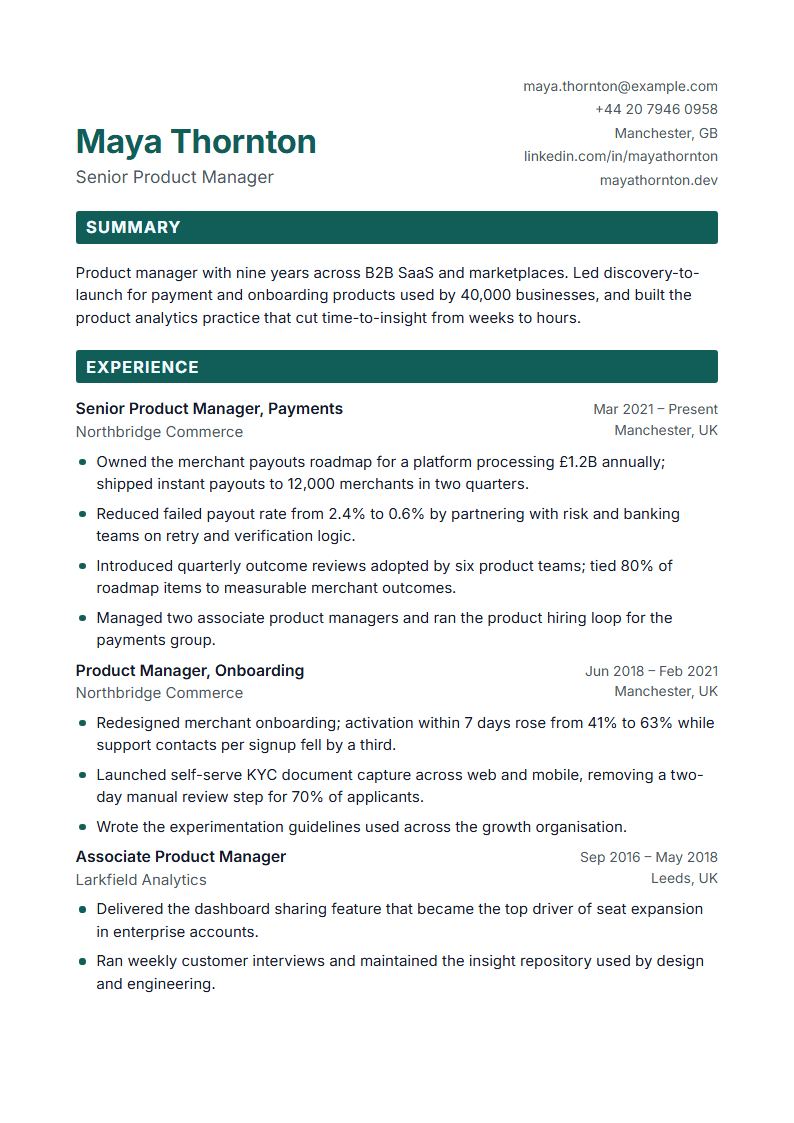 Financial Analyst resume example
- General Practitioner resume example
- Graphic Designer resume example
- HR Specialist resume example
What we promise — and what we do not
No fabricated facts
Suggestions only use what you wrote. Missing numbers become placeholders.
The PDF matches the preview
The same pagination engine on screen and in the exported file, in A4 and Letter.
No hidden renewals
Price, renewal date and the cancel button are on the pricing page and in your account. We email you before the first monthly charge.
Your data stays yours
Export everything or delete your account in one place. Support only sees a document after you grant access.
No invented numbers about us
You will not find made-up ratings, user counts or testimonials here. If we show a number, it is measured.
We do not promise interviews, salaries or hiring outcomes. We build a good document and keep it in your control.
Guides
Short, practical answers written for this builder.
- What is a resume, and what does a good one contain?A resume is a one- or two-page summary of your work experience, education and skills written for a specific job. A good one leads with a short summary, lists roles in reverse chronological order with dated, specific achievements, keeps skills readable as text, and leaves out anything the reader cannot verify or does not need (photos and personal data depend on the country — in the US and UK they are usually left out).
- How far back should my experience go?Detail the last 10–15 years and the roles that matter for the target job; compress older positions into one line each or a short "earlier experience" entry, and drop anything irrelevant. Readers scan quickly, so every bullet in the recent roles should carry an outcome. In ResumeRun you can hide an entry without deleting it — useful when you tailor the same resume to different postings.
- What does "ATS-friendly" actually mean?Applicant tracking systems extract text from your file and match it against the posting. A friendly resume has real text (not images), standard section headings, a simple reading order, dates in a consistent format and the terms the posting uses. ResumeRun's ATS check tests exactly those points on your document and shows each finding with its source; the ten ATS templates are single-column and export to DOCX as well.
- How long should a cover letter be, and what goes in it?One page, three to four short paragraphs: why this role and company, the one or two achievements that prove you can do it, how your skills meet their needs, and a polite call to action. Mirror the posting's language without copying it. ResumeRun drafts a letter from your resume and the posting, marks every paragraph as unconfirmed until you edit it, and exports it in the matching template design.
- How the ATS check works
Frequently asked questions
What is a resume, and what does a good one contain?
A resume is a one- or two-page summary of your work experience, education and skills written for a specific job. A good one leads with a short summary, lists roles in reverse chronological order with dated, specific achievements, keeps skills readable as text, and leaves out anything the reader cannot verify or does not need (photos and personal data depend on the country — in the US and UK they are usually left out).
CV or resume — what is the difference?
In the US a resume is a short, targeted document and a CV is a long academic record; in the UK, Europe and Türkiye "CV" simply means the short document. ResumeRun produces the short, targeted kind in both languages; choose A4 or US Letter and the date format per target country in the design panel, and keep academic CVs to the ATS templates with the publications and awards sections turned on.
How far back should my experience go?
Detail the last 10–15 years and the roles that matter for the target job; compress older positions into one line each or a short "earlier experience" entry, and drop anything irrelevant. Readers scan quickly, so every bullet in the recent roles should carry an outcome. In ResumeRun you can hide an entry without deleting it — useful when you tailor the same resume to different postings.
What does "ATS-friendly" actually mean?
Applicant tracking systems extract text from your file and match it against the posting. A friendly resume has real text (not images), standard section headings, a simple reading order, dates in a consistent format and the terms the posting uses. ResumeRun's ATS check tests exactly those points on your document and shows each finding with its source; the ten ATS templates are single-column and export to DOCX as well.
Which file format should I send?
PDF unless the posting asks for Word. PDF keeps the layout identical everywhere; DOCX is editable and sometimes requested by agencies or portals. ResumeRun exports PDF (A4 or US Letter) for every template, DOCX for the ten ATS templates, and TXT/JSON for plain-text forms and backups. Name the file clearly (e.g. `Firstname-Lastname-Resume.pdf`).
Do I need a different resume for every application?
A different version, not a different document. Keep one master resume and adjust the summary, the order of bullets and the skills list for each posting. In ResumeRun, attach the posting in the Improve tab: the match view shows which required terms are missing, suggestions rewrite your own facts (never invent new ones), and "copy and tailor" from an application creates a dated copy so the version you sent stays unchanged.
Do I need an account to start?
No. Open the editor and start writing; your draft is saved to the cloud in an anonymous session. To keep it safe across devices and browsers, verify your email from the account page — you receive a 6-digit code, no password is needed. Until then, clearing browser data can lose access to the draft.
How do the introductory price and the subscription work?
The introductory payment unlocks Premium for 7 days. If you do not cancel before the 7 days end, the monthly subscription starts automatically at the monthly price shown at checkout and renews monthly. We email a reminder about three days before the first monthly charge and before every renewal. You can cancel in two clicks from Account → Plan; access continues to the end of the paid period.
Ready when you are
Start with a blank page, an import or an example. No account needed until you want to save across devices.